

A scratchpad for text between apps
Paste anything and it arrives as clean plain text. Edit it in a quiet window, then copy it back where you need it.
Coming soon to the Mac App Store
macOS 13 Ventura or later · One-time purchase, no subscription · Support
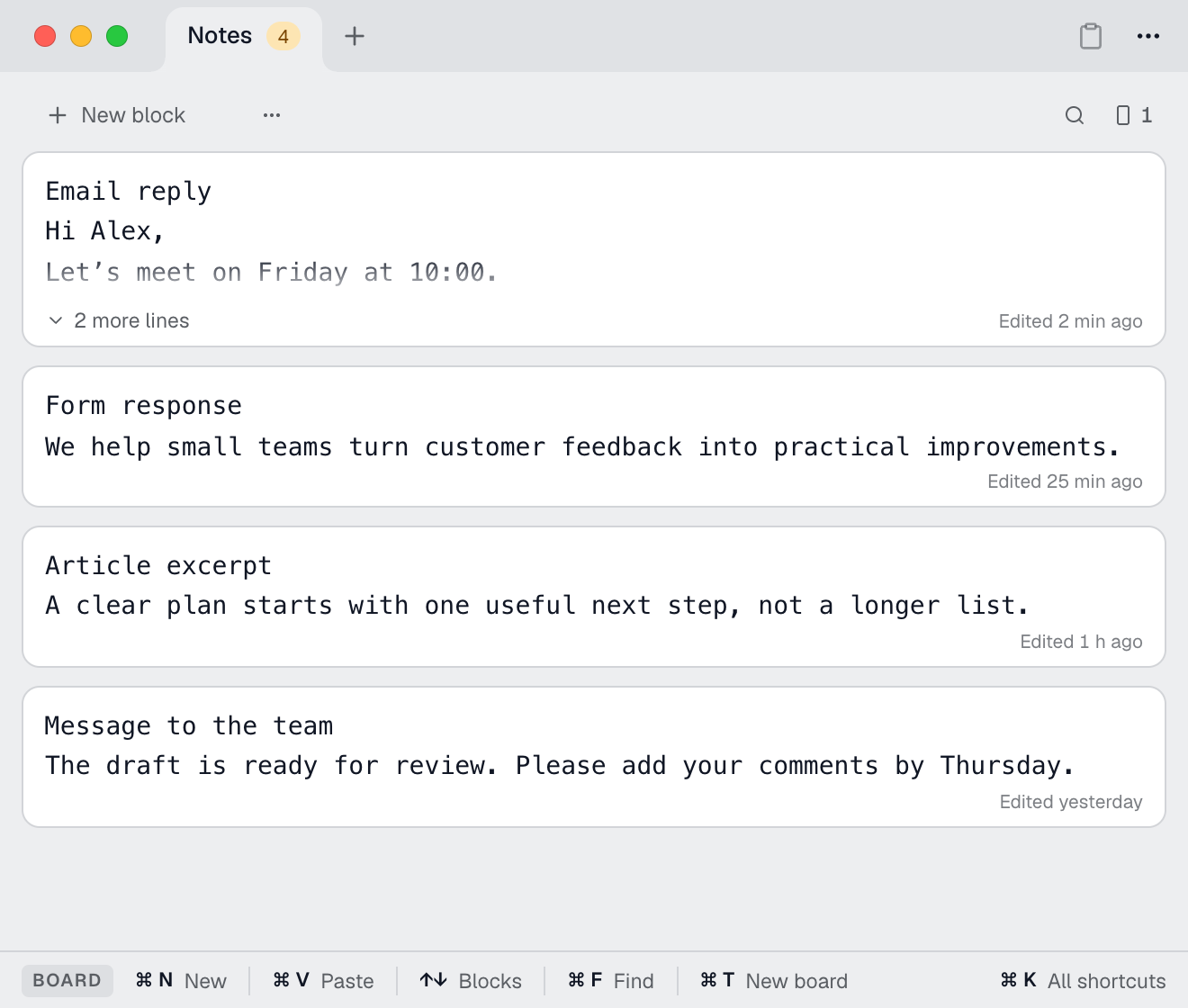
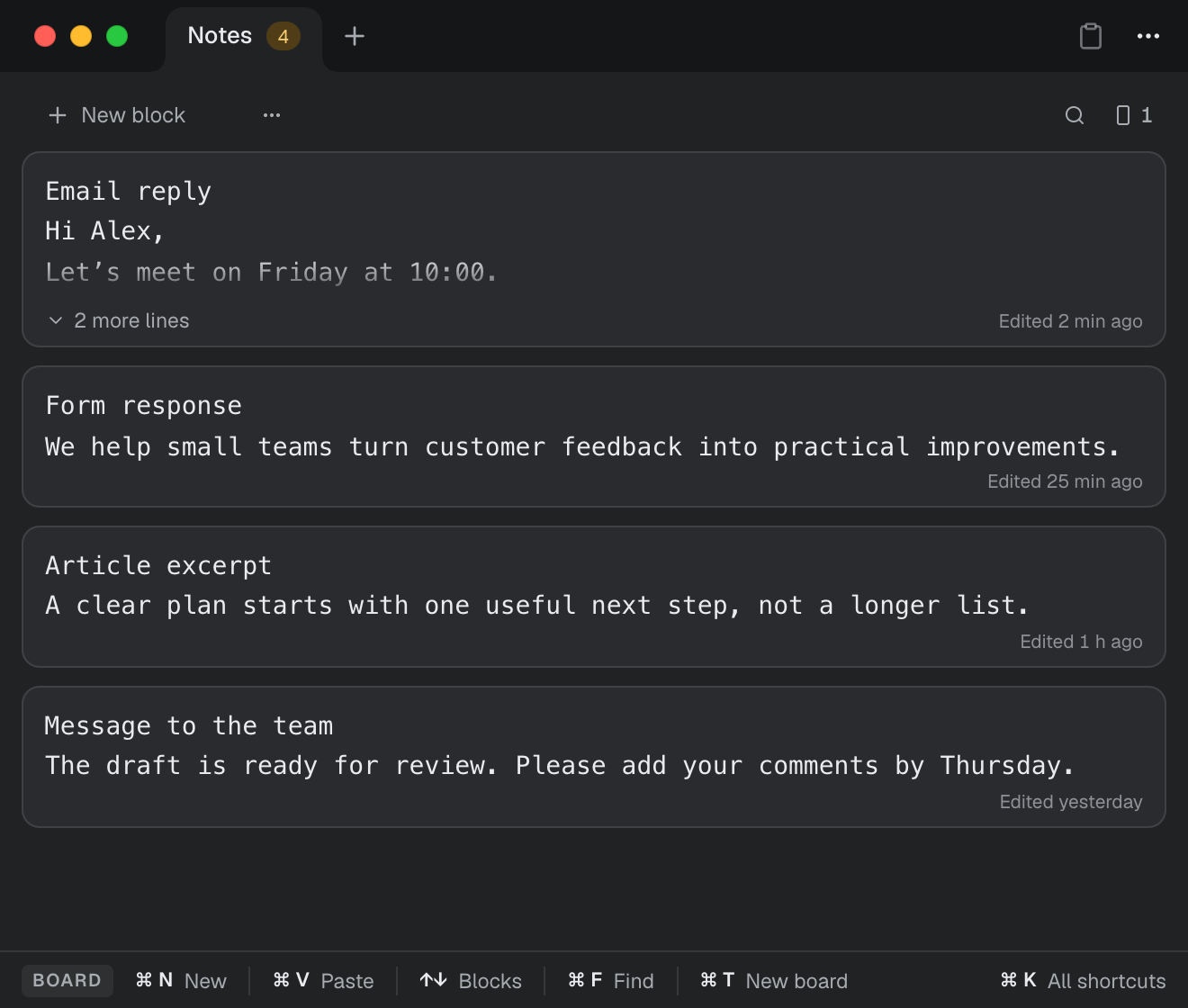
Copy it in. Edit it. Copy it back.
Copy it in
Press ⌥ Space from any app and paste with ⌘ V.
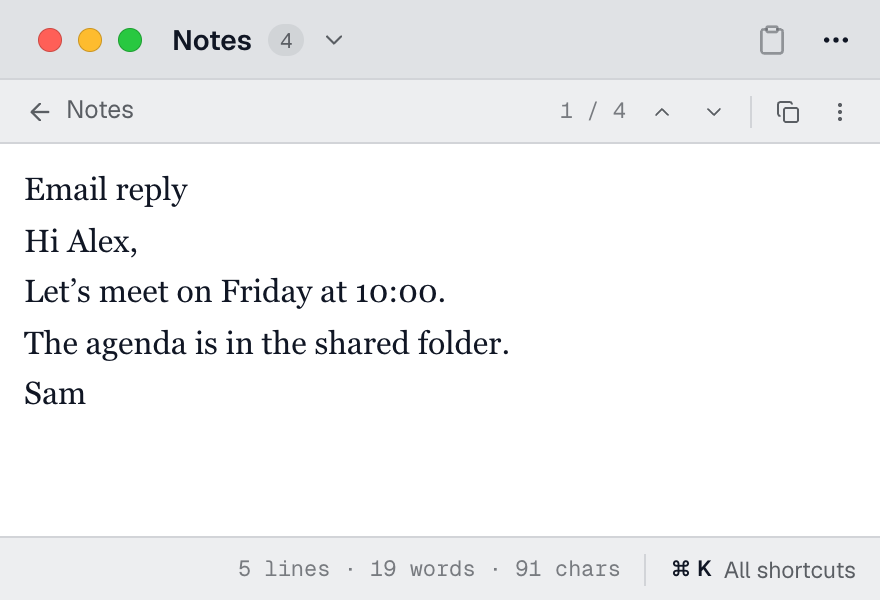
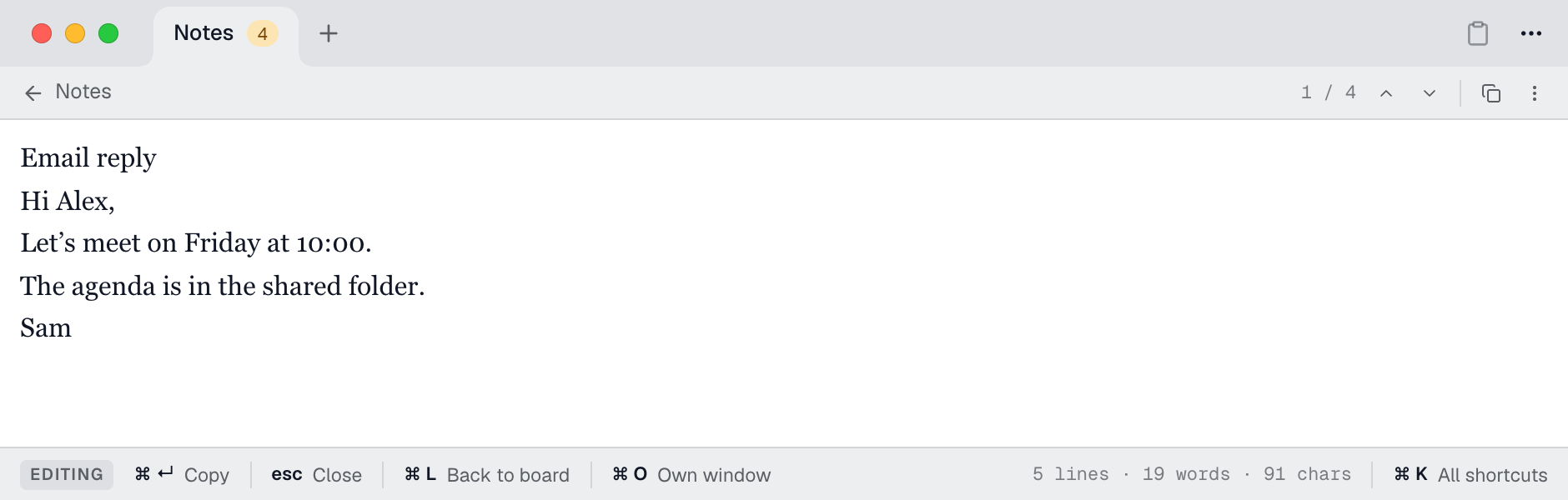
Edit it
Rework it right there, or focus on one note with nothing else in view.
Copy it back
Press ⌘ ↵ and paste it into the email, form or document that needs it.
Keep the text. See what changed.
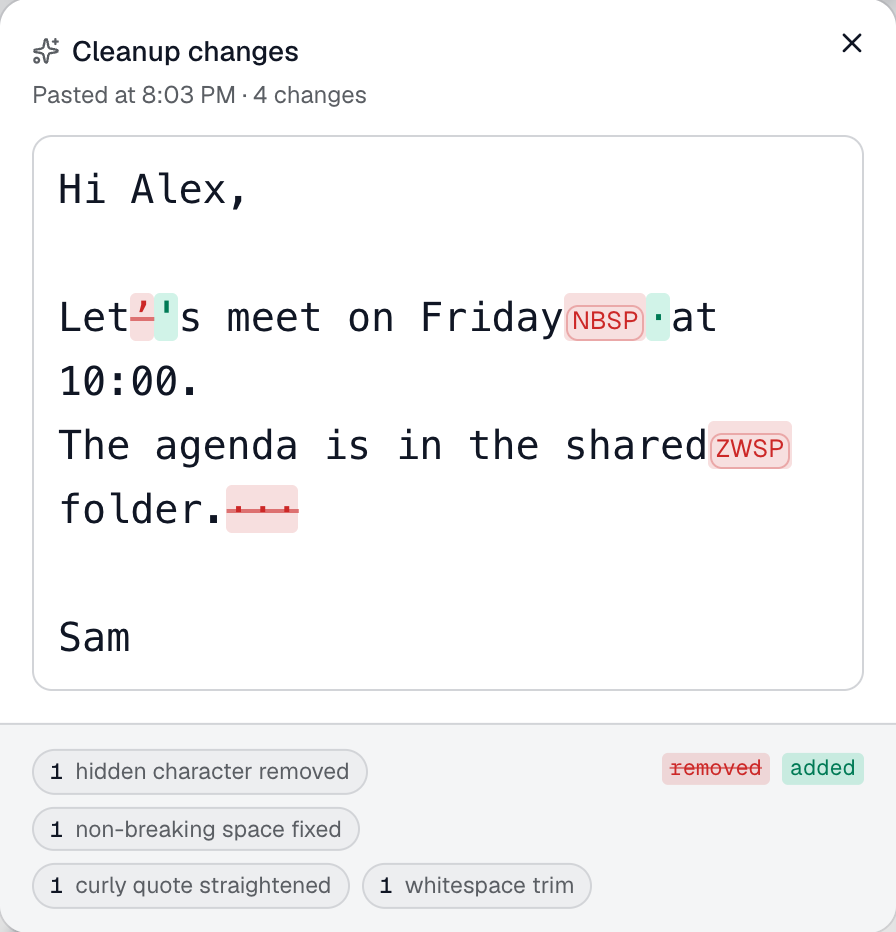
Text from a web page, an email or a PDF brings fonts, colors and invisible characters along. You can't see them, but they break a form, a search or a line of code later.
Unrich keeps the text and drops the rest.
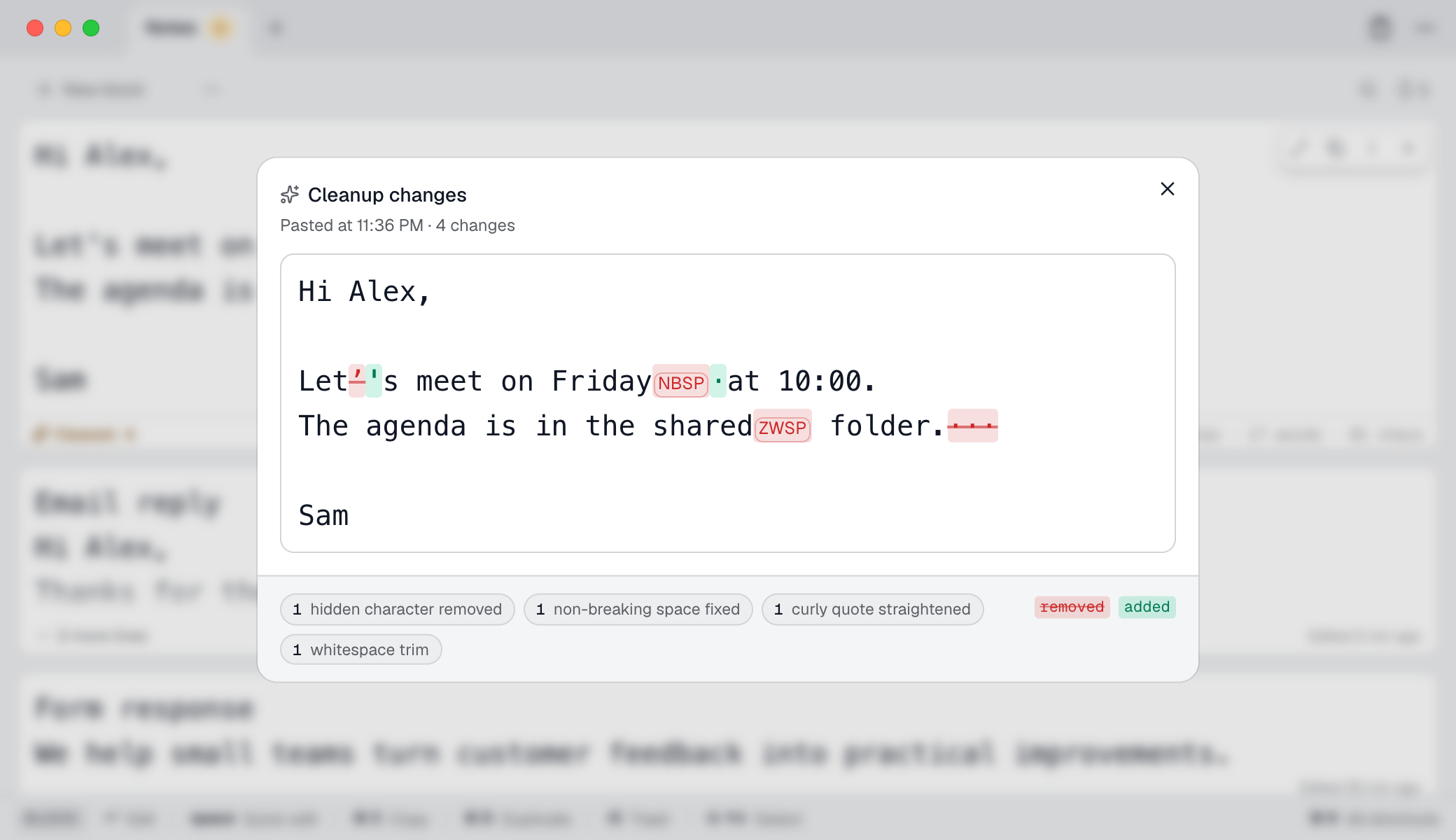
Each cleaned note shows what changed next to the text as pasted. You choose the rules, and every change can be undone.
Good for the text you're working on right now
Meetings
Jot notes during a call, then copy the action points into an email or chat.
Draft a reply in peace, or tidy up a quote before you send it.
Forms and websites
Move text from a page into a form, a spreadsheet or a website editor without stray formatting.
More room, never more filing
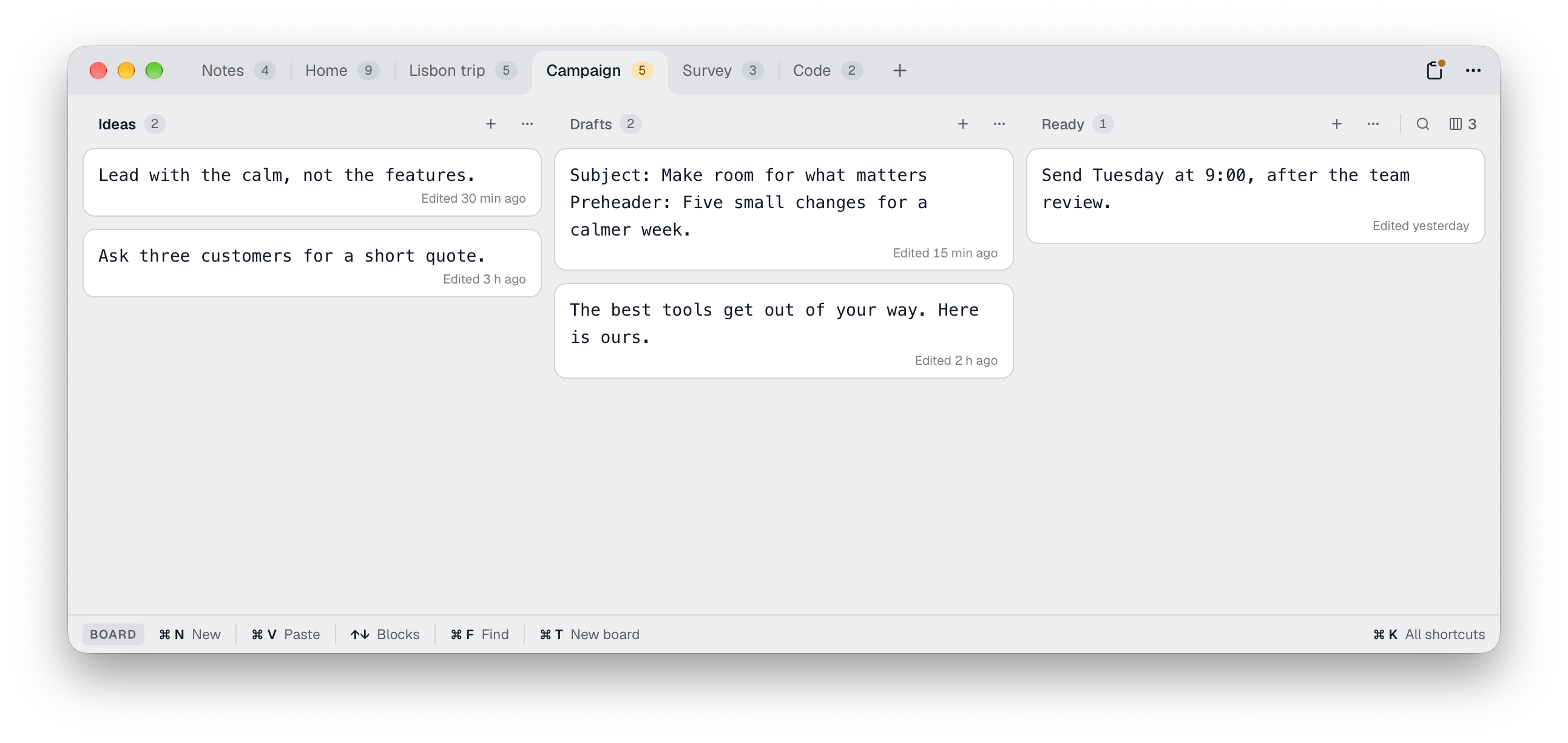
There is nothing to name and nothing to save. Your notes stay until you clear them away. Boards and columns are there when one list isn't enough.
Quick capture
Jot a note or add the clipboard from the menu bar.
Move freely
Drag notes between columns and boards. Split one in two, or merge several.
Search and replace
On one board or across all of them.
Pin a note
Keep a note in its own window above other apps.
Keyboard first
A bar shows the shortcuts that work right now. ⌘ K shows them all.
We never see your notes
There's no account to create, and your notes never pass through a coneno server.
Read the privacy policy- No account
- No clipboard history
- Passwords marked as secrets stay in memory only
- Works offline
We move text between emails, documents, forms and code all day. For years our workaround was an unsaved editor tab, kept open just to strip formatting and park snippets. Unrich is the small tool we wanted instead, and we use it every day.
Rich text in, plain text out. That's Unrich.
Say it the German way, [ˈʊnʁɪç], and it sounds like a knight’s name: Sir Unrich, defender of plain text.
Questions
Is Unrich a clipboard manager?
No. It doesn't record what you copy. Text goes into Unrich only when you paste it, capture it with a shortcut or type it.
Where are my notes stored?
In Unrich's own folder on your Mac. They stay through restarts until you clear them.
Does Unrich read what I type?
No. The optional double-⌥ capture needs macOS Input Monitoring permission to recognise the gesture. It doesn't record or send typed text, and the regular shortcuts work without it. Unrich never asks for Accessibility access.
Will cleanup break my text?
Your cleanup rules can change invisible characters, non-breaking spaces, curly quotes, extra whitespace and links, and line endings are always made consistent. Each cleaned note shows what changed, and you can copy the original or undo it. Emoji made of several characters stay intact, and you can turn off any rule.
Support
Questions or feedback about Unrich? We'd love to hear from you.
support@coneno.comUnrich Privacy PolicyPlain text, one shortcut away.
Coming soon to the Mac App Store
macOS 13 Ventura or later
Apple, the Apple logo, Mac and macOS are trademarks of Apple Inc., registered in the U.S. and other countries and regions. App Store and Mac App Store are service marks of Apple Inc.